Documentation your assistants can actually trust
Support bots, internal helpdesks and content tools all read your docs. If the docs are stale, they amplify the error. Here is how citations change that.
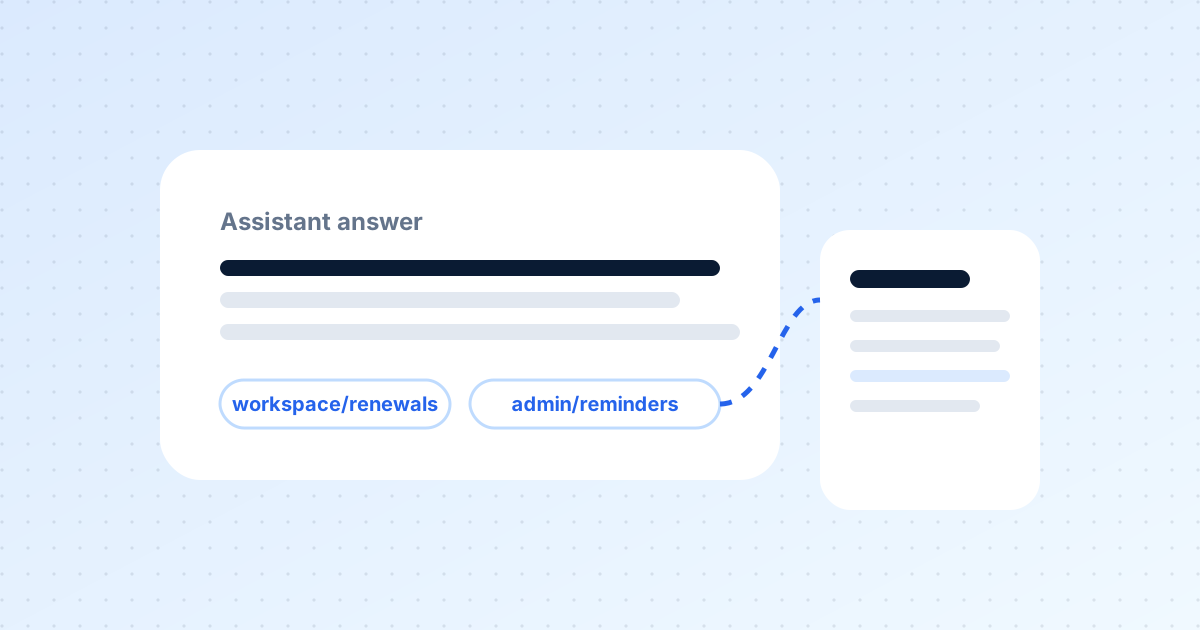
A quiet shift has happened in how documentation is consumed. A growing share of readers are not people. Support assistants answer customer questions from help-centre articles. Internal helpdesks answer staff from process pages. Content tools draft release notes from product docs. Each of these systems treats your documentation as ground truth — and each will confidently repeat whatever it finds there, right or wrong.
Stale documentation is worse for machines than for people
A human reader who hits a wrong page often notices: the screenshot does not match, the setting is not where it says. An assistant does not notice. It answers, and the person receiving the answer has no way to tell that the source was seven months out of date. Stale documentation used to cost a confused reader. Now it costs a confident wrong answer delivered at scale.
Two requirements
For documentation to be a dependable reference for automated systems, two things must hold. It must be current — maintained continuously, not periodically. And answers derived from it must be traceable — every claim pointing back to the page it came from, so a person can check it and correct the source if needed.
How DocOpsly handles citations
Every answer produced through DocOpsly — whether to a reviewer during drafting or to an end user through a connected assistant — includes references to the specific pages it relied on. We show these as page-level links, not as a vague "according to the documentation". A support assistant that says "see Billing → Refund windows" is more trusted, and much easier to correct, than one that speaks without sources.
Two ways assistants connect
- Published pages. Your documentation site is crawlable, structured and stable. Any assistant that reads the web can use it.
- Workspace access. Assistants your organisation operates can query the workspace directly, receive citations, and see internal material with the same permissions as human readers.
Closing the loop
The most valuable part is what happens when an assistant cannot answer well. Those questions become triggers. They appear in the review queue as proposed additions, so a gap discovered by a customer on Monday morning is a published page by Monday afternoon — approved by a person, cited by the assistant from then on.
Good practice
Keep one canonical page per topic: agents cite better when there is a single authoritative source. Use workspace conventions for dates and currency so answers are unambiguous. And read the unanswered-questions report weekly for the first month; it tells you where your documentation has always been thin.
More from the blog
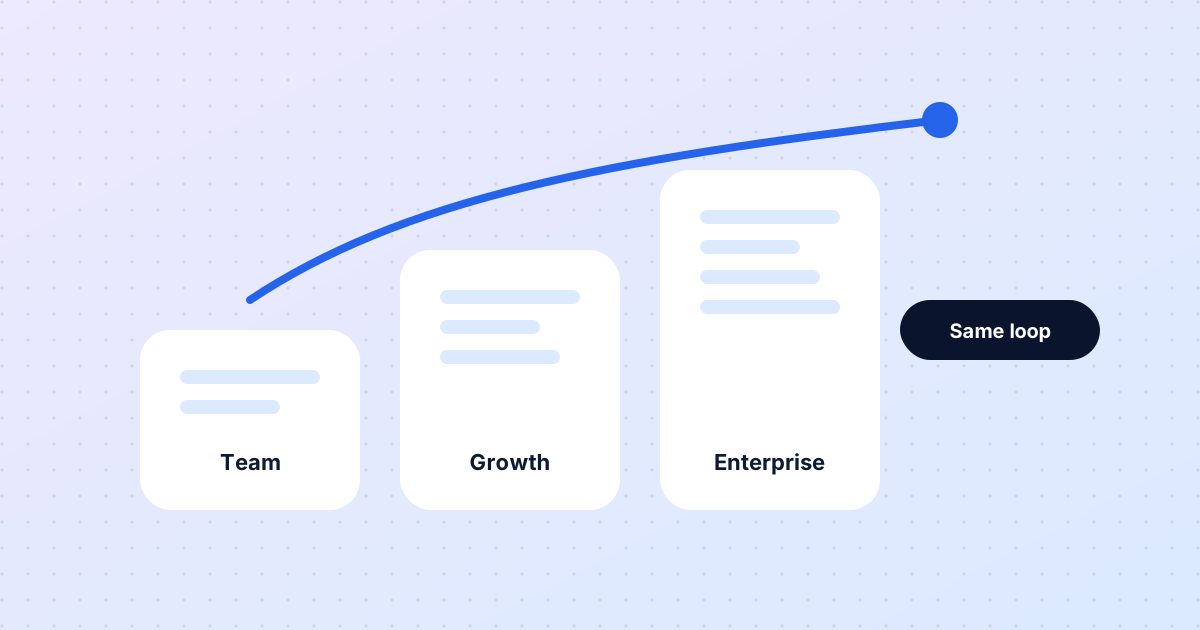
The same loop for five people or five thousand
Eight months in, a look at what has stayed constant as DocOpsly has grown from founding teams to enterprise programmes — and what changes with scale.
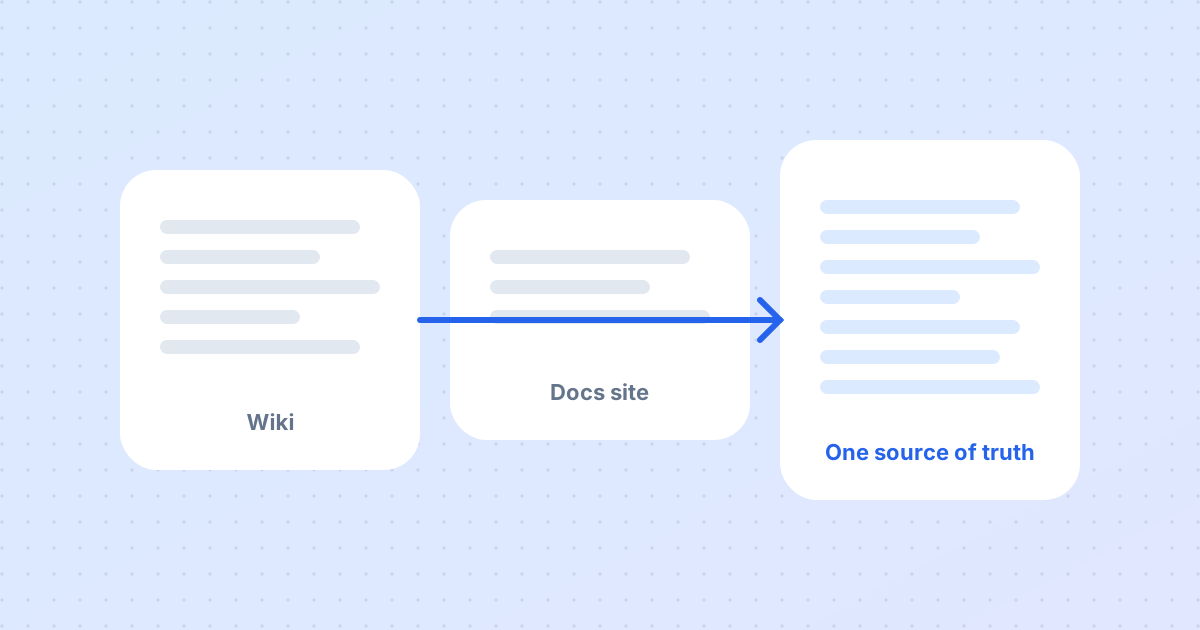
Migrating to DocOpsly without rewriting a single page
The most common worry from new customers is that migration means regenerating everything. It does not. Here is what actually happens in the first two weeks.
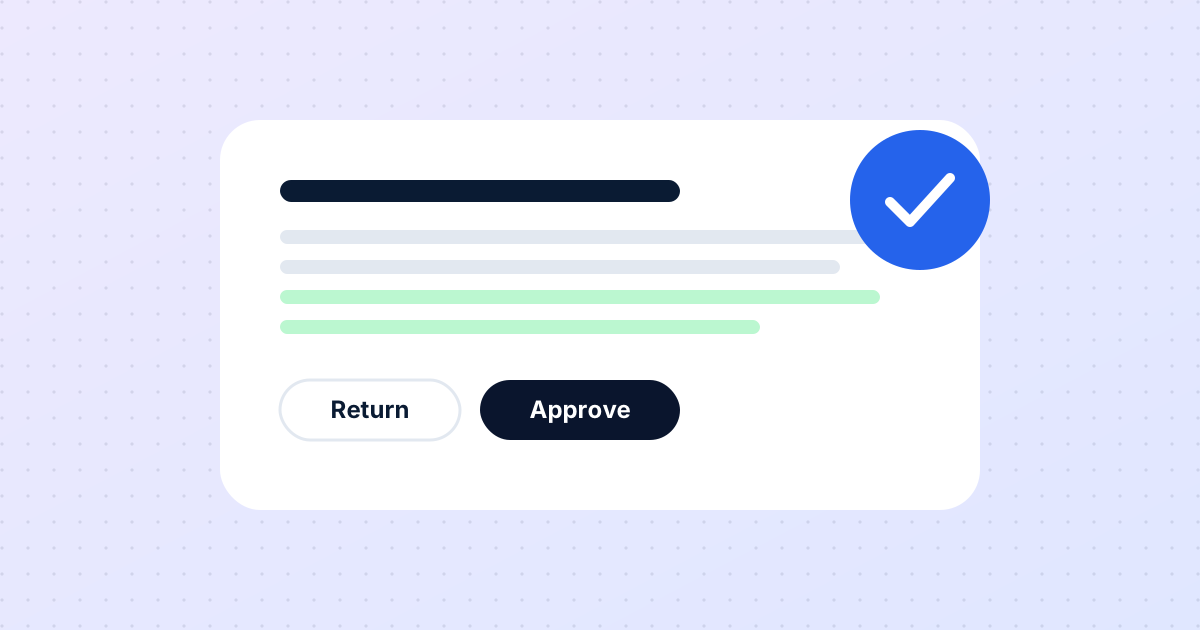
Human approval is not a safety feature. It is the product.
People sometimes ask when we will let agents publish directly. Never — and this post explains why that is a design decision, not a limitation.
Want this for your documentation?
Tell us about your product and how docs are handled today.
Contact us