Migrating to DocOpsly without rewriting a single page
The most common worry from new customers is that migration means regenerating everything. It does not. Here is what actually happens in the first two weeks.
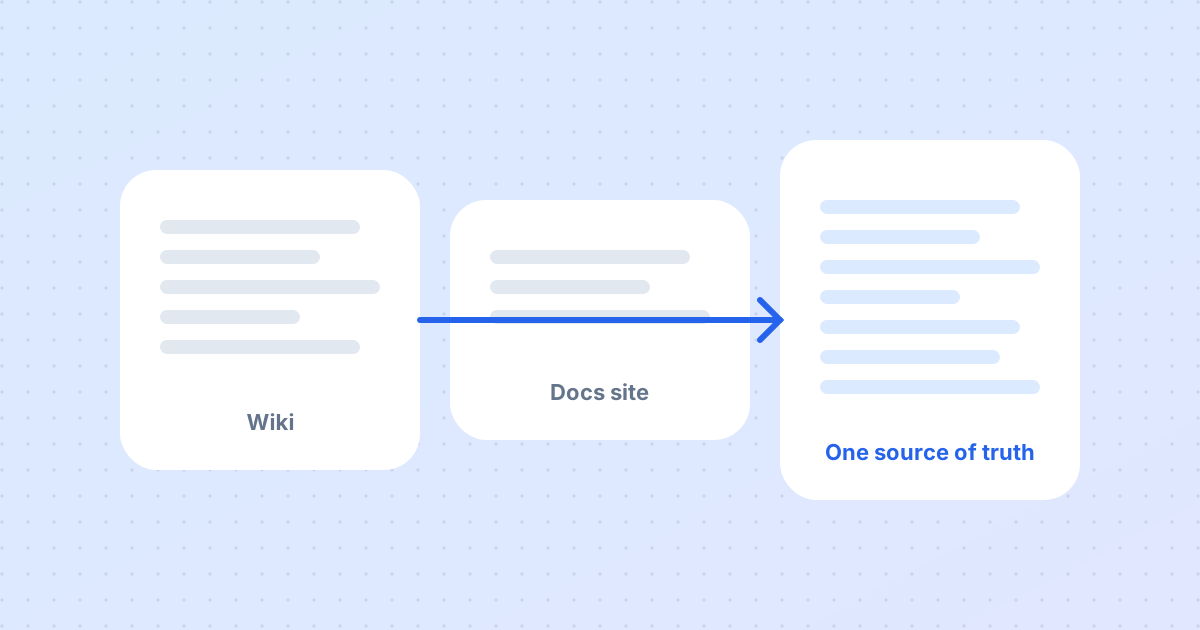
"We have four hundred pages. Are you going to rewrite all of them?" This is the first question in almost every onboarding call, and the answer is always the same: no. Your existing documentation is the source of truth. Migration brings it into the workspace so agents can read from it and maintain it. Nothing changes until a reviewer approves a change.
Week one: inventory and import
We start by listing where documentation lives — a docs site, a wiki, shared drives, a folder of PDFs — and noting which sets are public, which are internal and who owns each. Then we import. Structure and headings are preserved exactly. Formatting is not normalised on import; it is proposed for change later, page by page, through the normal review queue. Importing is a copy, not an edit.
Week one, continued: the baseline report
Once imported, agents read everything and produce a baseline report. Typical findings in a documentation set of a few hundred pages:
- Two or three pages describing the same feature with different details.
- Pages that contradict each other on limits, prices or dates.
- Pages with no identifiable owner.
- References to product versions that no longer exist.
- Organisational details — entity names, addresses — that differ from page to page.
Each finding becomes a proposed change in the review queue, with the affected pages cited. Reviewers work through them in any order.
Week two: owners, review periods, dates
Default owners and review periods from the workspace are applied to each matter, then adjusted where the defaults do not fit. Dates found inside documents — renewal deadlines, review-by dates — are extracted and attached to the matter so reminders can be scheduled.
Publish, then let the loop run
When the baseline is approved, the set is published. From that point the continuous loop takes over: the next release, the next reader question, the next review date. Most single-product documentation sets reach this point within two weeks, and the majority of that time is review on the customer's side rather than processing on ours.
Larger programmes
Enterprise programmes with multiple products and regions are migrated one document set at a time, usually starting with the set that hurts most. Each set gets its own baseline report; the workspace keeps conventions consistent across all of them.
More from the blog
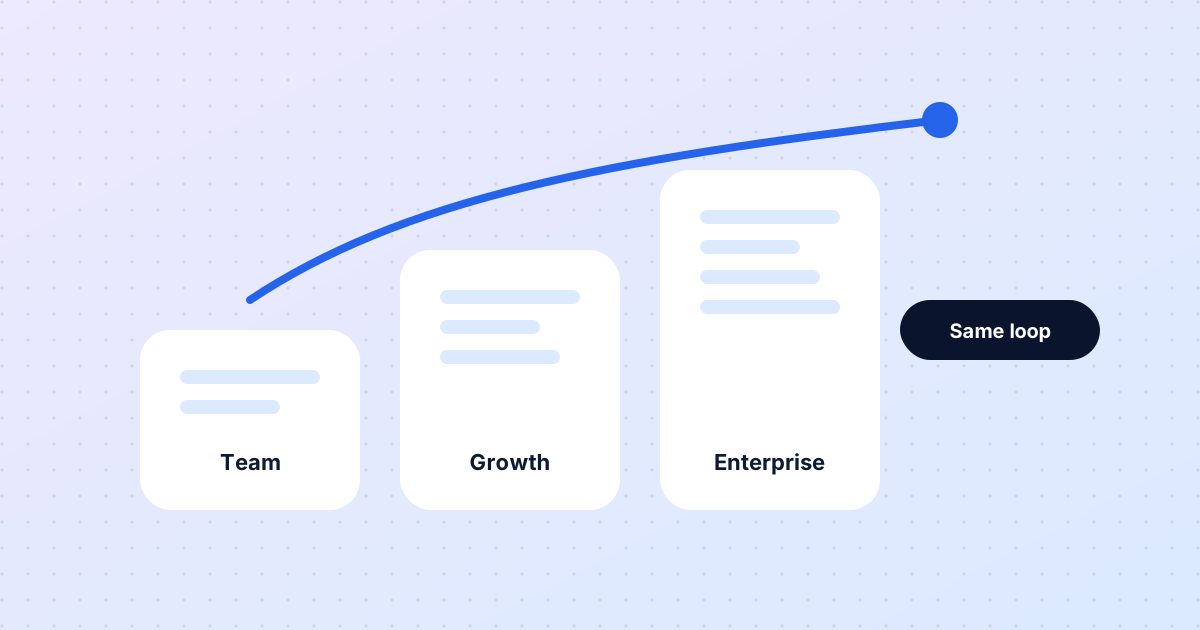
The same loop for five people or five thousand
Eight months in, a look at what has stayed constant as DocOpsly has grown from founding teams to enterprise programmes — and what changes with scale.
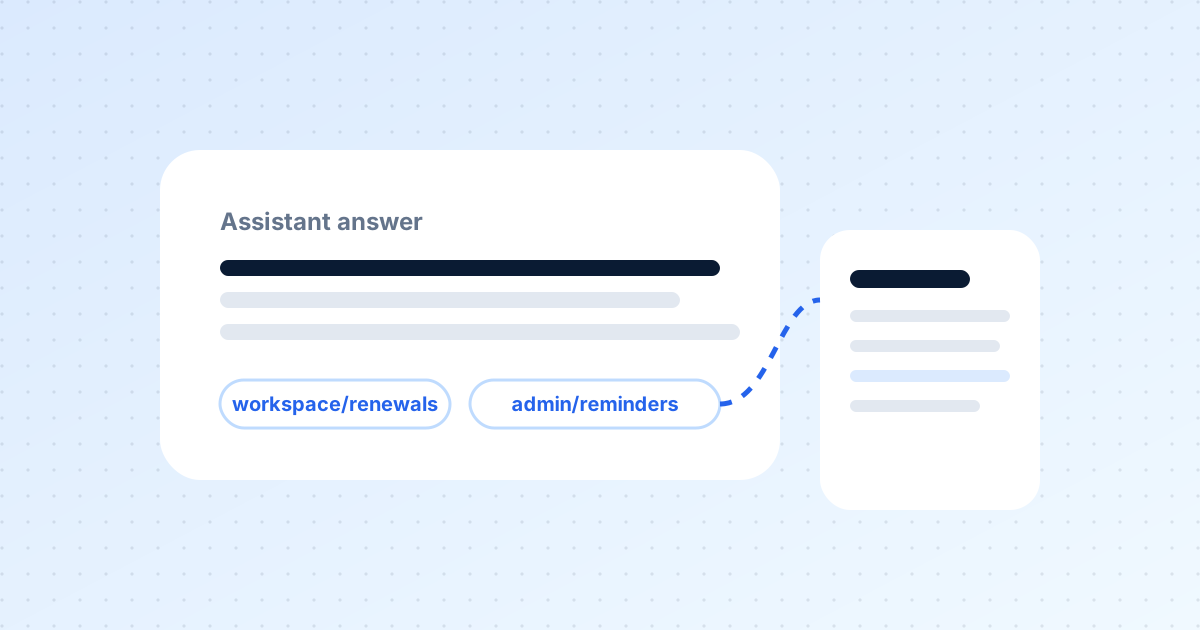
Documentation your assistants can actually trust
Support bots, internal helpdesks and content tools all read your docs. If the docs are stale, they amplify the error. Here is how citations change that.
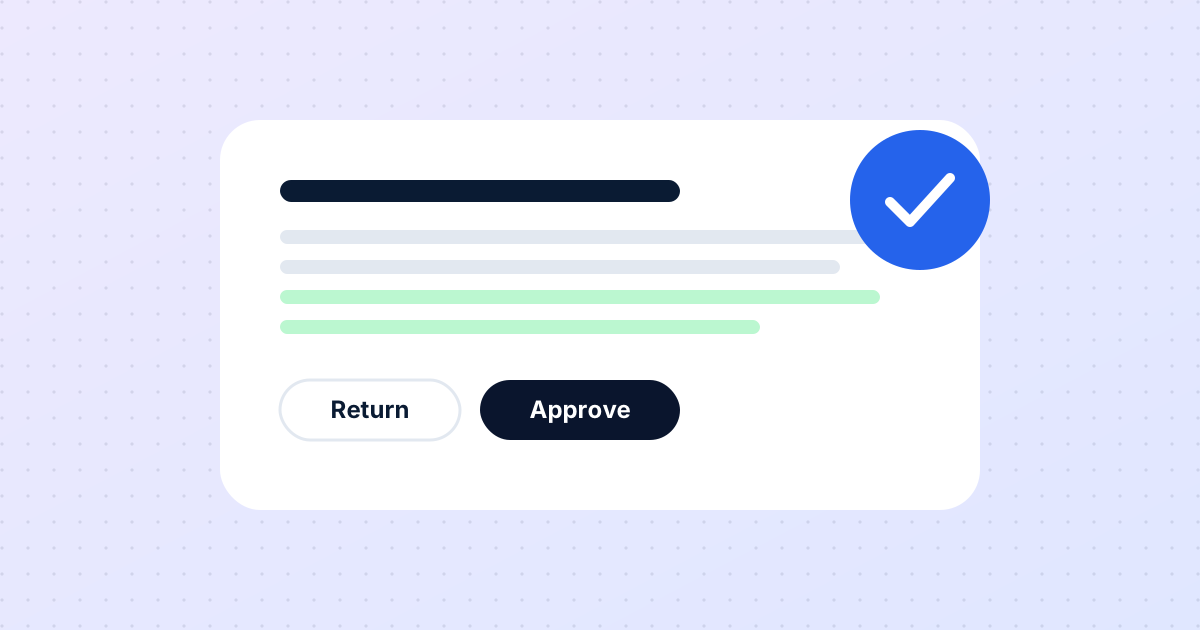
Human approval is not a safety feature. It is the product.
People sometimes ask when we will let agents publish directly. Never — and this post explains why that is a design decision, not a limitation.
Want this for your documentation?
Tell us about your product and how docs are handled today.
Contact us